QT Creator + Qt6 + C++ setup
To avoid getting random errors execute this:
sudo apt install qmake6 cmake qt6-base-dev qt6-declarative-dev
and add "/usr/bin/qmake6" as a Qt Version in "Edit" > "Preferences" > "Kits" > "Qt Versions" > "Add..."
# QT Creator + Qt6 + C++ setup To avoid getting random errors execute this: sudo apt install qmake6 cmake qt6-base-dev qt6-declarative-dev and add "/usr/bin/qmake6" as a Qt Version in "Edit" > "Preferences" > "Kits" > "Qt Versions" > "Add..."Related posts
If sound isn't working for VMware with Pipewire try adding this to the .vmx file: sound.fileName = "pipewire"
Make sure to remove the existing sound.fileName
If sound isn't working for VMware with Pipewire try adding this to the .vmx file: sound.fileName = "pipewire" Make sure to remove the existing sound.fileName
"GET THE FUCK OUT OF MY-<boom>"
"GET THE FUCK OUT OF MY-<boom>"
To disable annoying GTK button press sounds: In "~/.config/gtk-3.0/settings.ini" under "[Settings]" add
gtk-enable-event-sounds=false gtk-enable-input-feedback-sounds=false
To disable annoying GTK button press sounds: In "~/.config/gtk-3.0/settings.ini" under "[Settings]" add gtk-enable-event-sounds=false gtk-enable-input-feedback-sounds=false
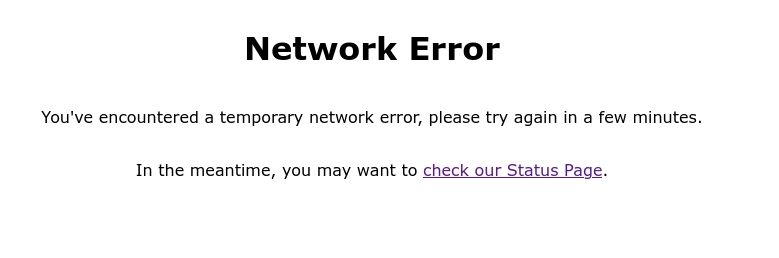
The "Sorry, you have been blocked" page has now been changed to "Network Error"
Try it out using this link: https://discord.com/assets/d8ed801752c69b350e4782ff58dd5fdf.mp3
The "Sorry, you have been blocked" page has now been changed to "Network Error" Try it out using this link: https://discord.com/assets/d8ed801752c69b350e4782ff58dd5fdf.mp3