

You can now change your clans' accent color. Go to Edit -> Design -> Accent color, and then you can change the accent color. The accent color will change the buttons, tabs and more!
You can now change your clans' accent color. Go to Edit -> Design -> Accent color, and then you can change the accent color. The accent color will change the buttons, tabs and more!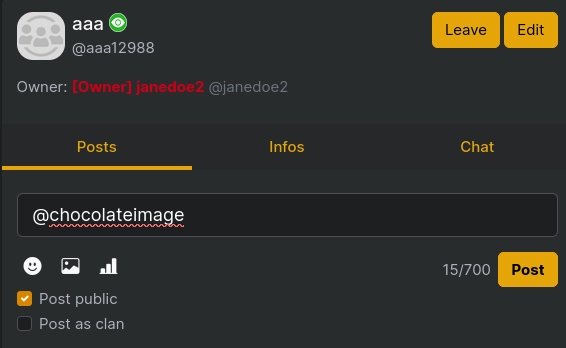
Related posts
---- New features ----
-
Starring clans You can now star clans in the sidebar to make it easier to find.
-
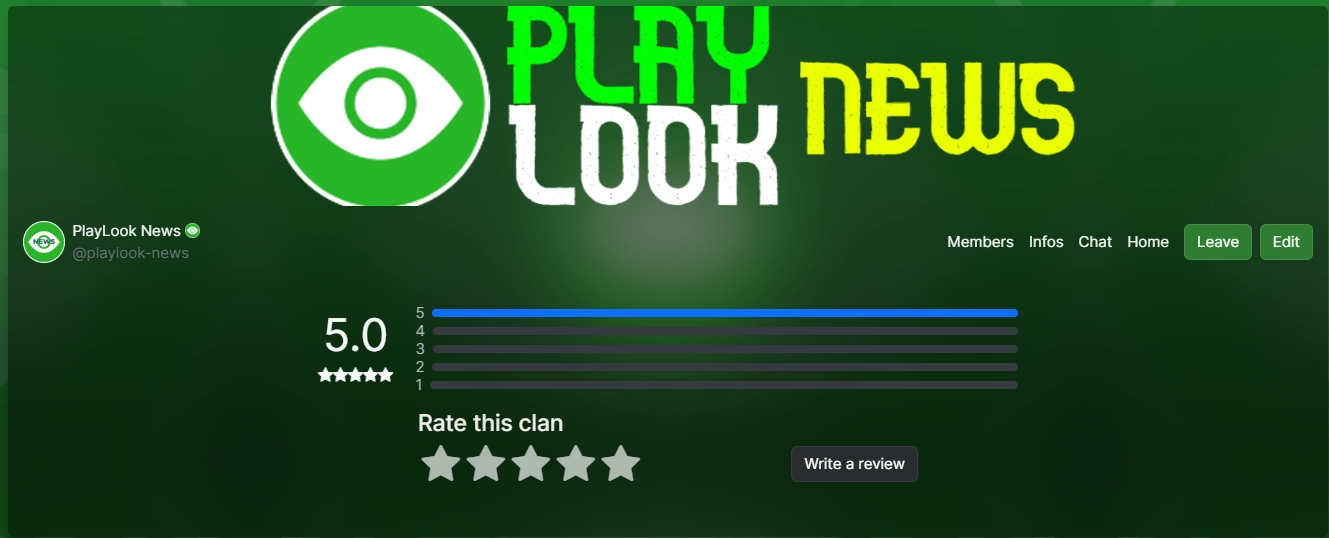
Ratings and reviews See which clans are better and read experiences with the new ratings section. Click on the ratings link under the "This clan" text, rate and add your own review if you like!
There is a new feature that allows you to edit posts and view the history of edits (you can also see diffs)! Also there is now moderators and the owner is making description for profiles. There is one more thing, the pin feature which you can use to make things on top of your clan!
There is a new feature that allows you to edit posts and view the history of edits (you can also see diffs)! Also there is now moderators and the owner is making description for profiles. There is one more thing, the pin feature which you can use to make things on top of your clan!
convo style posts + new colors and icons
for improvements, dm @administrator
convo style posts + new colors and icons for improvements, dm @administrator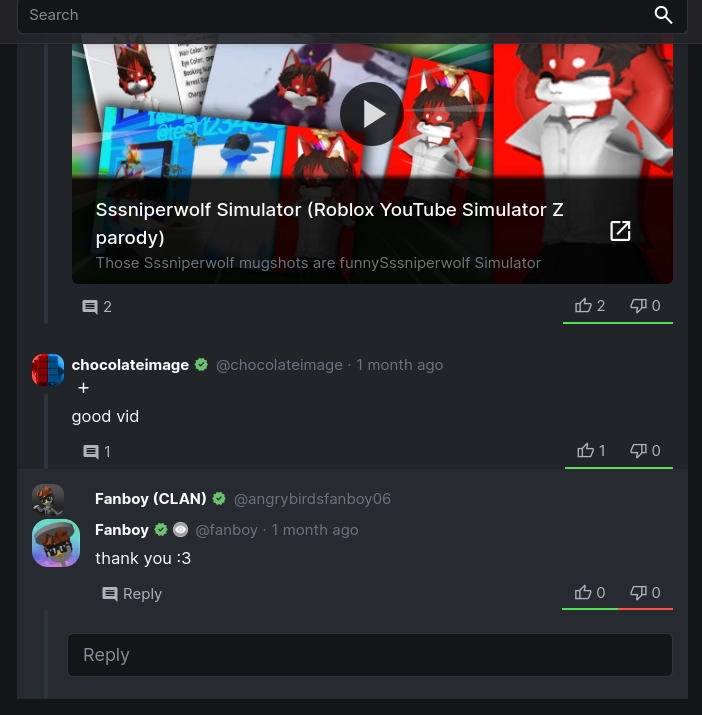



html, body, div, span, a, input, button, select, option, nav, img, canvas { background: black !important; } True Dark
html, body, div, span, a, input, button, select, option, nav, img, canvas { background: black !important; } True Dark

html, body, div, span, a, input, button, select, option, nav, img, canvas { background: linear-gradient(red, yellow) !important; }
html, body, div, span, a, input, button, select, option, nav, img, canvas { background: linear-gradient(red, yellow) !important; }